Staying connected in Thailand is easy and cheap, which matters more than you might think — you'll want data for maps, ride-hailing, translation, and booking on the go. Here's how to stay online, what WiFi is like, and the essential apps to set up before you leave home.
Mobile data: your main connection
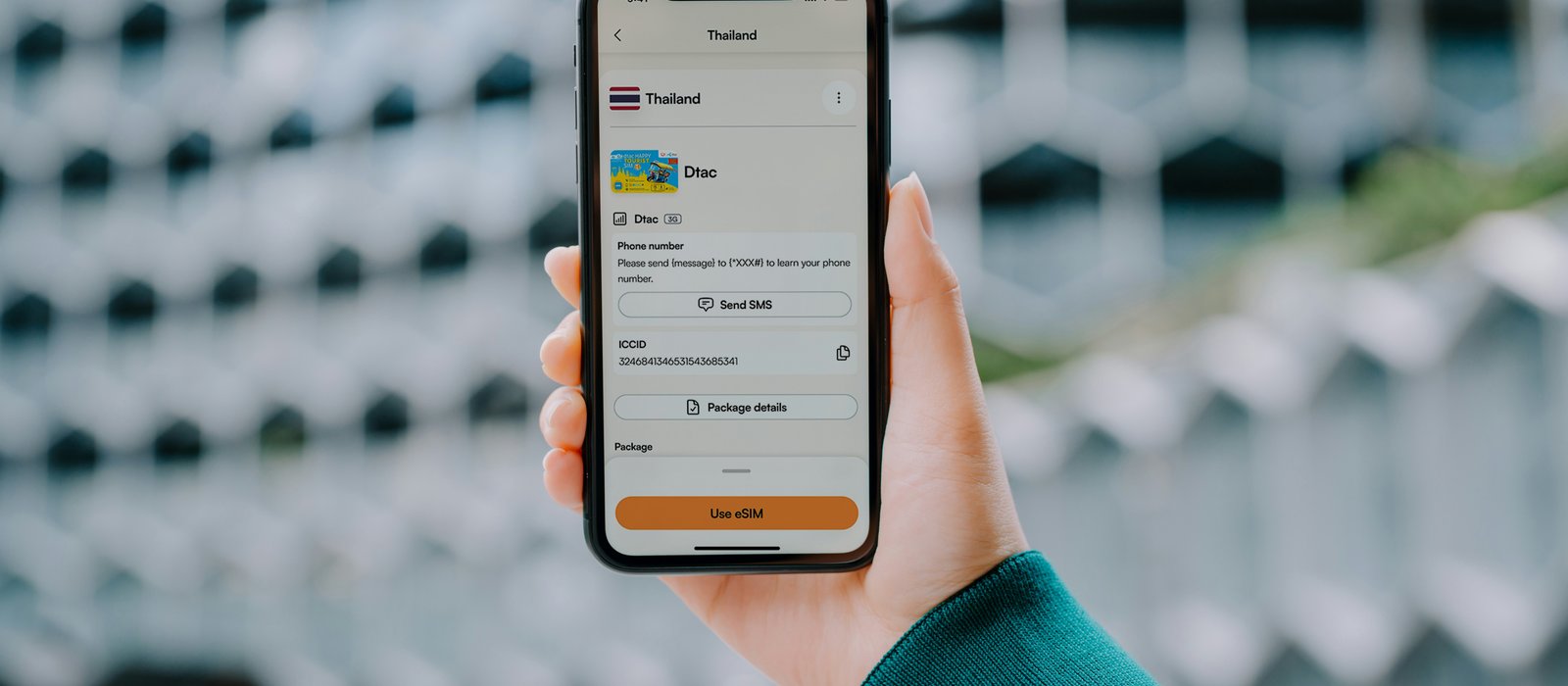
The most reliable way to stay connected is your own mobile data, via either a local SIM or an eSIM. An eSIM (from providers like Airalo or Holafly) is the most convenient — you set it up before you fly and it activates on arrival, with no counter visit. A local SIM from AIS, TrueMove H, or dtac, bought at the airport or a convenience store, often gives more data for the money and a Thai number. Either way, tourist data packages are inexpensive, and coverage is strong 4G/5G across cities and tourist areas. If you travel as a couple or family, note that one person can often buy a larger data plan and share it as a hotspot for the others, which can be cheaper than everyone buying their own — a simple way to cut connectivity costs further on an already inexpensive item.
What WiFi is like
WiFi is widespread in Thailand — nearly every hotel, hostel, café, restaurant, mall, and even many bars offer free WiFi, and it's generally fast and reliable in cities and tourist areas. You could get by on WiFi alone for light use, but having your own mobile data is far more practical for navigation, ride-hailing, and translation while you're out and about. Don't rely on WiFi for anything time-sensitive like booking a Grab on a busy street. Public WiFi also carries the usual security caveats, so avoid logging into banking or other sensitive accounts on open networks, or use a VPN if you need to — a sensible habit anywhere you travel, not just Thailand.
eSIM or local SIM — a quick decision
If you're unsure which to choose, here's the short version. Pick an eSIM if your phone supports it and you want zero hassle — it's set up before you fly and works the moment you land, ideal for a short trip. Pick a local SIM if you want the most data for your money, are staying longer, or your phone doesn't support eSIM. Both are cheap and give strong coverage; the choice is really about convenience versus value, and for a one-to-two-week vacation most travelers find the eSIM's instant-on simplicity worth it.
Essential apps to download before you go
Getting around
Grab is the single most useful app — ride-hailing and food delivery in one. Google Maps is essential; download offline maps for your cities before you go. The BTS/MRT apps or maps help with Bangkok's trains.
Communication and translation
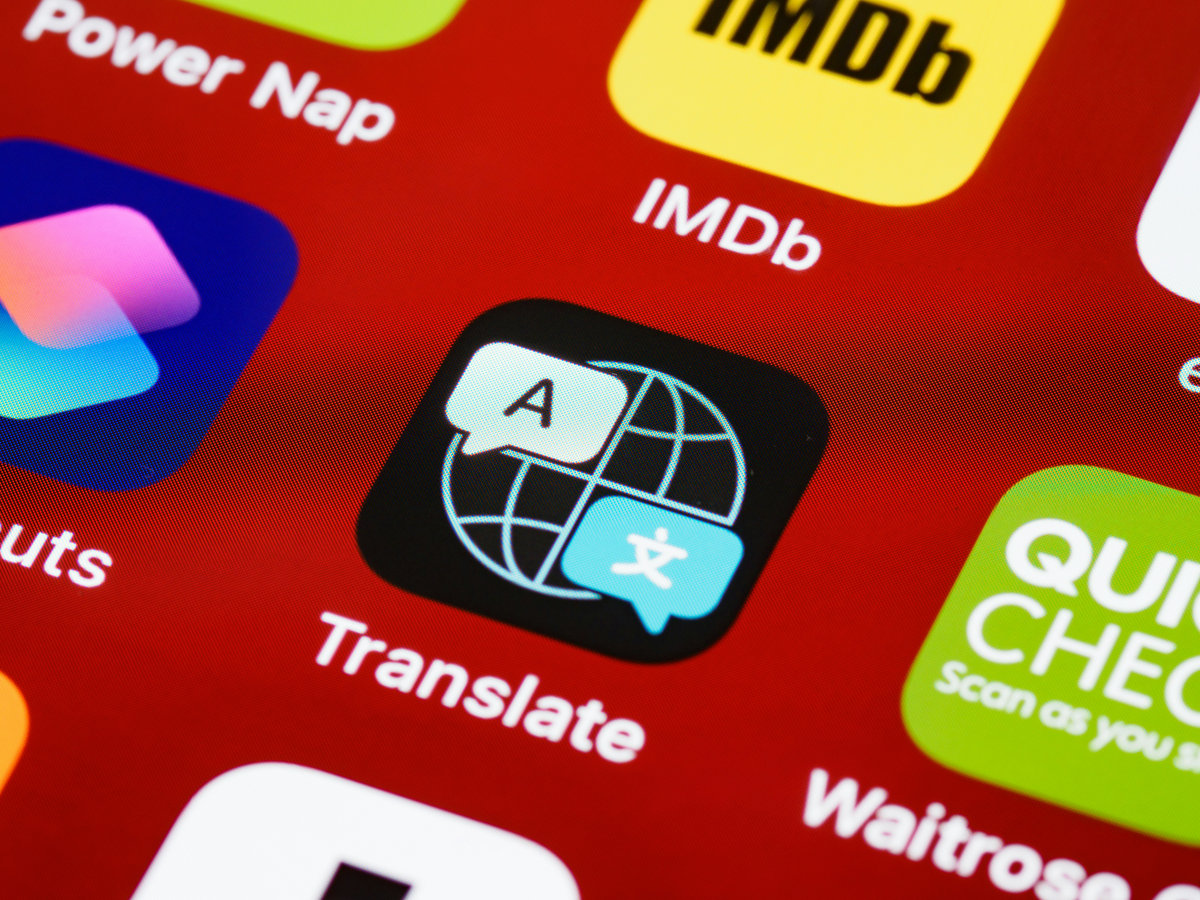
Google Translate (download the Thai language pack for offline use, and try its camera mode for menus and signs) bridges the language gap. LINE is Thailand's dominant messaging app — useful if you're dealing with local businesses, tour operators, or hosts.
Trip logistics
Your airline and hotel apps, a currency converter, and booking apps for activities and ferries all earn their place. If you'll need the Thailand Digital Arrival Card (TDAC), complete it on the official website before you fly — it's required for entry and free.
Practical connectivity tips
Set up your eSIM or buy your SIM right on arrival so you're connected from the airport. Download offline maps and your translation language pack while still on home WiFi. Keep a power bank handy — heavy use of maps and ride-hailing in the heat drains batteries fast. And remember coverage thins on remote islands and in the far-north mountains, so download anything important (maps, tickets, addresses) before heading somewhere remote. Data is one of the cheapest things about Thailand; check a live converter rather than a fixed figure:
100 USD ≈ … THB (enable JavaScript for today's rate)
FAQ
How do I stay connected in Thailand?
Use mobile data via a local SIM (AIS, TrueMove, dtac) or an eSIM (Airalo, Holafly) for the most reliable connection, backed by the widespread free WiFi in hotels and cafés.
Is WiFi good in Thailand?
Yes — free WiFi is widespread and generally fast in hotels, cafés, restaurants, and malls in cities and tourist areas. But your own mobile data is more practical for maps and ride-hailing on the move.
What apps should I download before visiting Thailand?
Grab (rides and food), Google Maps with offline maps, Google Translate with the Thai pack, LINE (the local messaging app), and your airline, hotel, and currency apps. Complete the TDAC online before flying.
Will I have signal on the islands?
In most tourist areas, yes, but coverage thins on remote islands and in the far-north mountains. Download maps, tickets, and key info before heading somewhere remote.
Keep planning
Not sure how it all fits together?
Pick your trip length and we'll route a real day-by-day plan.